Blog
Conversion Rate Optimization
How to Get the Most Out of Shopify Sidekick + Discovery AI
Shopify Sidekick can now tap into Lucky Orange Discovery AI. Here's how it works, how to phrase a question that gets a real answer, and 15 to try today.

Lucky Orange

Lucky Orange now lives inside your Shopify admin — no separate login, no second tab. As part of that, Shopify Sidekick can now talk to Discovery AI too, through a new app extension. That means the same behavioral data Discovery uses to answer questions inside Lucky Orange — bounce rates, rage clicks, cart abandonment, heatmaps, AI referral traffic — is something you can now ask Sidekick about directly, right inside the conversation you're already having about your store.
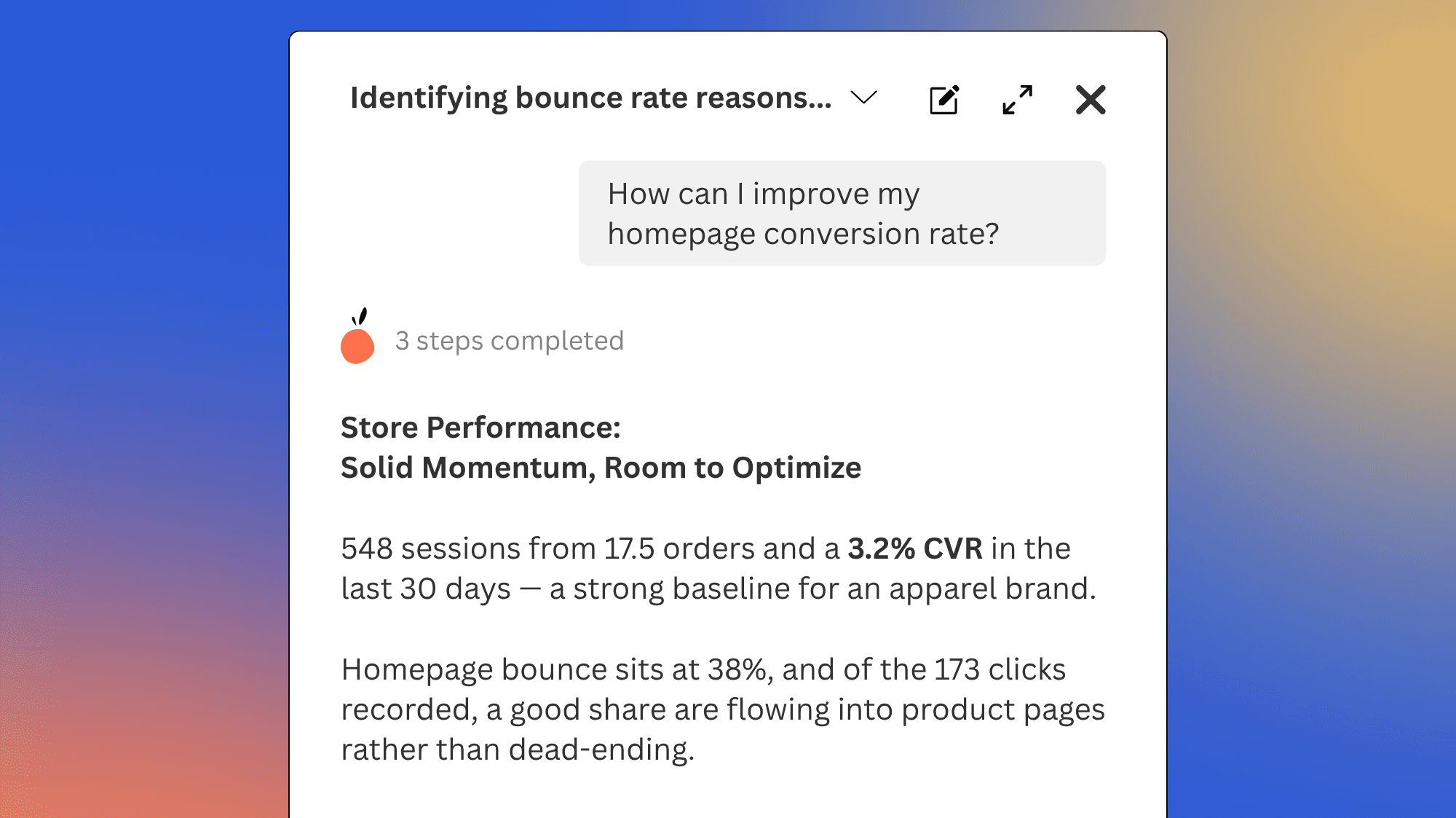
Access to that data is only half the story, though. What you get back still depends on how you ask. Here's what Discovery is actually working with, how to phrase a question that gets you something useful, and fifteen you can steal outright.
What Discovery AI is working with
The data is only half of what makes Discovery useful. The other half is judgment — Discovery is built on the Lucky Orange team's own point of view on what actually makes an e-commerce store convert, so it knows which numbers matter for a given question and when a surface-level answer isn't enough. Ask something that touches on a real problem, and it'll recognize the thread and dig further instead of handing back a flat statistic.
That judgment gets applied to three different kinds of information behind the scenes:
Behavior data tied to common questions. Things like why carts get abandoned, where visitors are hitting friction, or what's blocking conversion on a page. You don't need to know the mechanics — just ask the question in plain language and Discovery pulls together whatever it needs to answer it.
Specific metrics. Bounce rate, conversion rate, rage clicks, cart abandonment rate, average order value, and so on. Good for when you already know what you're measuring and just want the number.
Audience splits and filters. Device, traffic source, country, campaign, landing page — the fields that turn one number into a comparison. This is usually what separates a so-so answer from a useful one, and it's the piece a vague question tends to skip.
None of these are things you need to name outright when you're talking to Sidekick. But knowing they exist changes how you ask — you'll naturally reach for a split or a specific metric instead of a one-word question that leaves Discovery guessing at what you actually want.
How to structure a question that gets you a real answer
Weak: "Why is my conversion rate low?"
No time window, no segment, no baseline. Sidekick will still answer — probably a broad summary — but it's guessing at what you actually wanted to know.
Strong: "Compare conversion rate by traffic source for the last 30 days, and flag any source more than 20% below the site average."
Same question, but now it has a metric, a split, a time window, and something to measure against.
A simple template to run through before you ask:
[Metric], split by [audience or page], compared against [a baseline or a prior period].
If you can fill in all three, you'll get an answer worth acting on. If you can't, that's usually a sign the question needs another pass before you send it.
This is also where the Lucky Orange connection actually pays off. Sidekick could already answer questions about order counts, revenue, and standard store analytics on its own. What it couldn't do is speak to on-site behavior — whether visitors are engaging with a specific element on a page, how viewing a product page connects to checkout rate, whether people are adding certain items to cart on their first visit. That's the layer Discovery adds, and it's worth aiming your questions at exactly that kind of behavior instead of numbers Sidekick could already give you.
Walking through a real conversation
Say you're noticing softer sales this month. Start broad, and point it toward behavior, not just the number:
"How has my conversion rate changed over the last 30 days, and what behaviors might be causing that change?"
Sidekick comes back with a breakdown — maybe mobile conversion is down noticeably while desktop is holding steady. That's your opening, not your answer. Follow up on exactly what stood out:
"What's the bounce rate on mobile for my top three landing pages this month, compared to last month?"
Now say one page jumps out — bounce rate way up, specifically on mobile. Sidekick can tell you that much, but it can't show you why people are bouncing. That's where the recommendation comes in: Sidekick will point you toward pulling up a heatmap or watching a few session recordings for that page, filtered to mobile. That visual layer is the payoff — Sidekick tells you what's worth checking, and Lucky Orange is where you actually see it happen.
Nine questions worth asking
Use these as a starting point for your research. Shift the filters and segments to mirror what you’re working on right now to get great answers from Shopify Sidekick and Discovery AI.
What's driving cart abandonment on my store this month?
Which landing pages have the highest bounce rate, and where is that traffic coming from?
How is traffic from AI platforms like ChatGPT converting compared to my other channels?
Are my repeat customers converting better on mobile or desktop?
Which product pages have the slowest load times, and is that showing up in bounce rate?
Which landing pages have the highest drop-off rate for first-time visitors?
How does conversion rate compare across traffic sources over the last 30 days?
What are the most common exit pages for visitors who add to cart but don't check out?
Which campaigns are bringing in the most engaged visitors, not just the most traffic?
Where this leaves you
Sidekick now knows more about your store than it used to — not just what sold, but what almost sold and why it didn't. The questions above are a starting point, not a ceiling. Once you get a feel for how Discovery breaks down a metric or reads a segment, it's worth building your own questions around whatever's actually on your mind that week. Ask something specific, follow up on whatever stands out, and use Lucky Orange itself to confirm what Sidekick pointed you toward.
Lucky Orange