Blog
News & Updates
Product Release: Introducing the Lucky Orange Chrome Extension
Stop switching tabs to find your data. The Lucky Orange Chrome Extension overlays heatmaps, form analytics, and tracking diagnostics directly on your live site — so you can go from instinct to insight in one click.

Lucky Orange
You already know what's wrong with the page.
You can feel it. The CTA is buried. The form is too long. Something's off with how this section lays out on mobile. You want data to confirm it.
So you open a new tab. Log into Lucky Orange. Navigate to the right section. Search for the page. Pull up the heatmap.
By the time you get there, the urgency is gone.
The real problem isn't data. It's distance.
Most optimization tools give you answers — eventually.
You have to leave the page, go find the dashboard, navigate to the right view, and then layer your context back onto what you're looking at.
That friction is small. But it's enough to break the habit.
The question you had five minutes ago feels less pressing now. So you move on.
What we built
The Lucky Orange Chrome Extension puts your data where your instinct already is: on the page itself.
Install it once. Connect it to your Lucky Orange account. Then browse your site the way you normally would.
When something catches your eye — click the extension.
Launch a Dynamic Heatmap to see where visitors click, how far they scroll, and where they stop engaging.
Jump into Form Analytics to see field-by-field where visitors abandon your forms. One click from the heatmap viewer to knowing exactly which field is killing completions.
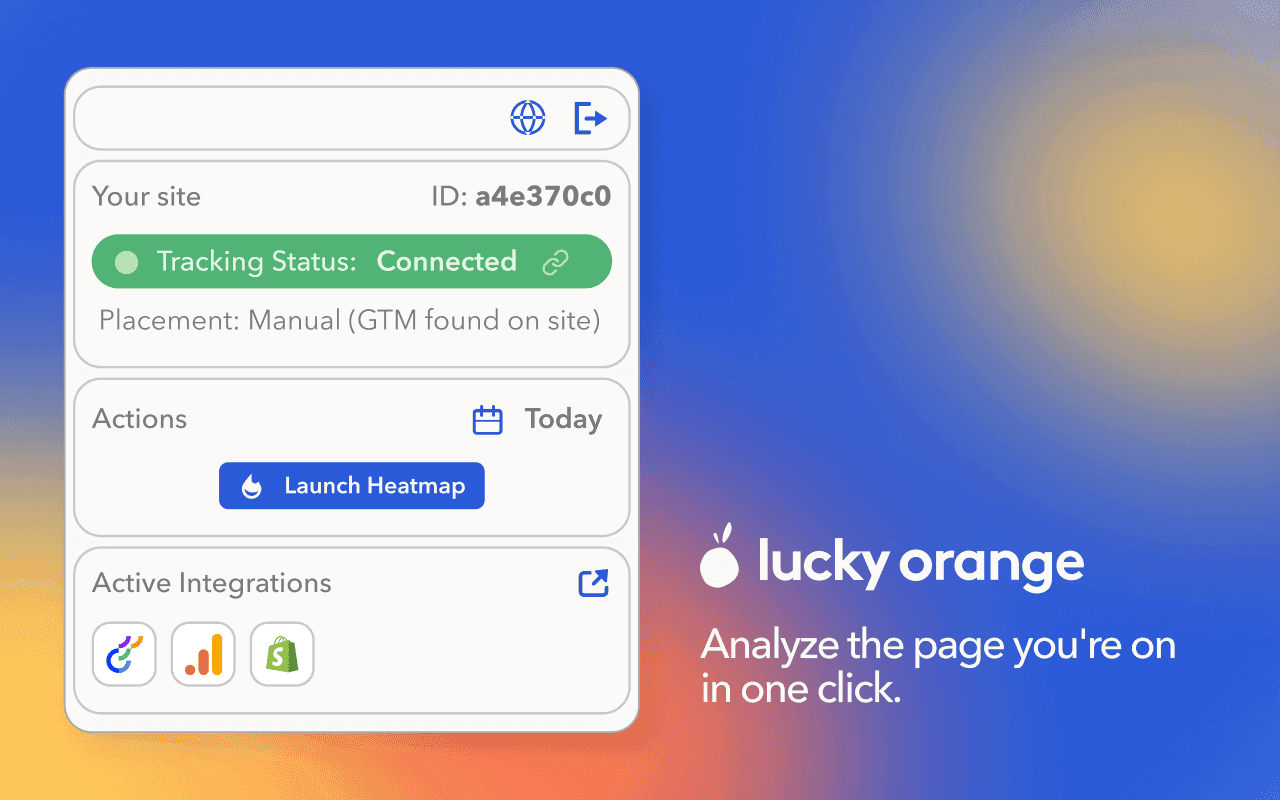
Check your tracking status to confirm your Lucky Orange code is firing correctly on that specific page. No more wondering if a page is instrumented before you trust the data.
See your active integrations at a glance — so you know what's connected before you start digging.
Without the extension vs. with it
Without the extension:
You notice something on a page
You switch tabs, log in, navigate
You reconstruct your context inside the dashboard
You finally get to the data — if you still care
With the extension:
You notice something on a page
You click
You're looking at a heatmap in seconds
You ask Discovery AI any lingering questions
No hunting for login information or the right page inside the dashboard. You're already there. Now just see what's happening on it.

The play
Browse your site like a normal visitor
When something feels off, click the extension
Launch a heatmap to see what's actually happening
If it's a form issue, jump straight into Form Analytics
Confirm your tracking is firing before you trust any of it
Ask Discovery AI any remaining questions
This is what it looks like when the gap between instinct and insight disappears.
Lucky Orange


